

We're pleased to announce that Ruleguard version 4.116.0 is now live!
This update contains the following changes:
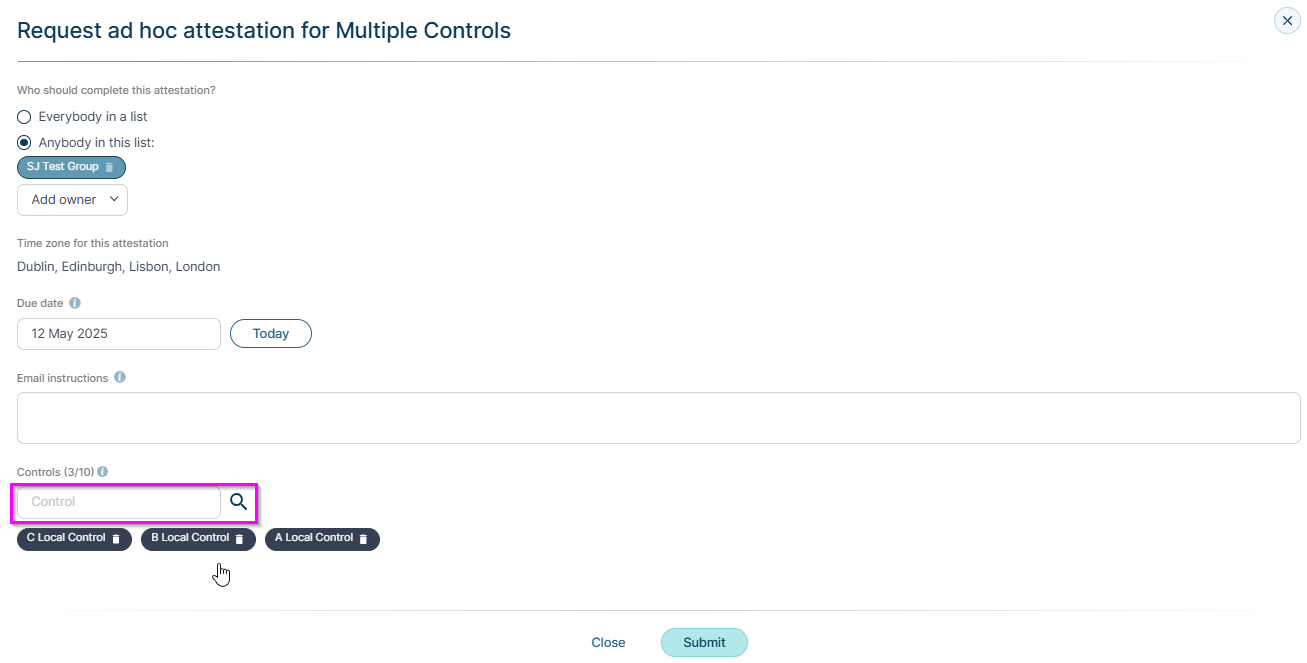
Attestations and task lists – Register items as subjects
- Items from your configured registers, such as business services or suppliers, can now be the subject of an attestation or task list, so reviews, sign-offs and tasks are recorded against the item they relate to.
-
- Attestation answers can be pre-filled from the item’s fields and can update them.
- Item cards have a new Events tab showing the attestations and tasks raised against them.
-
Improvements
- Update stage workflows from approved assessments and amendments: an assessment or amendment raised on a stage workflow can now copy its approved values back onto that stage workflow when it reaches a chosen stage, so no one has to re-enter them. Users see each change before it’s made, and the history records which assessment or amendment made it.
- Firm-specific fields in stage workflows: fields can now be shown or hidden depending on which firm is linked, so people only see the questions that apply to that firm. Hidden mandatory fields don’t block saving or progressing.
- Firm-specific stage transitions: transitions can now be allowed or blocked depending on whether specific firms are linked, so each item follows the right path for the firm it concerns.
- Link stage workflows to Responsibilities: stage workflows can now be linked to Responsibilities from the workflow card, a linked item field or the Responsibility card, so it’s clear who is accountable for each item.
Fixes
- Statement of Responsibilities compare versions now shows the full comparison and can be scrolled. Downloads and print/PDF now include the whole document. Previously, only the part that fitted in the browser window was shown or exported.
- A form section can no longer be progressed while a mandatory field in it has no value. Previously, this check could occasionally be bypassed.
- Task list designs no longer show a warning about blocked owners on tasks set to inherit their owners from the parent task.
In a Rush?
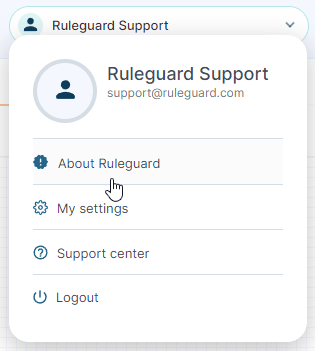
If you don't have time to read our blog posts right away, you can access all release notes at any time by clicking the release version number in the Ruleguard Welcome menu (top right).
If you encounter any problems or have any questions about this update, please let us know at support@ruleguard.com or contact your Customer Success Manager.
Ruleguard Team