We're pleased to announce that Ruleguard version 4.114.0 is now live!
This update contains the following changes:
MI2 - Improved selection of existing cards for reuse
-
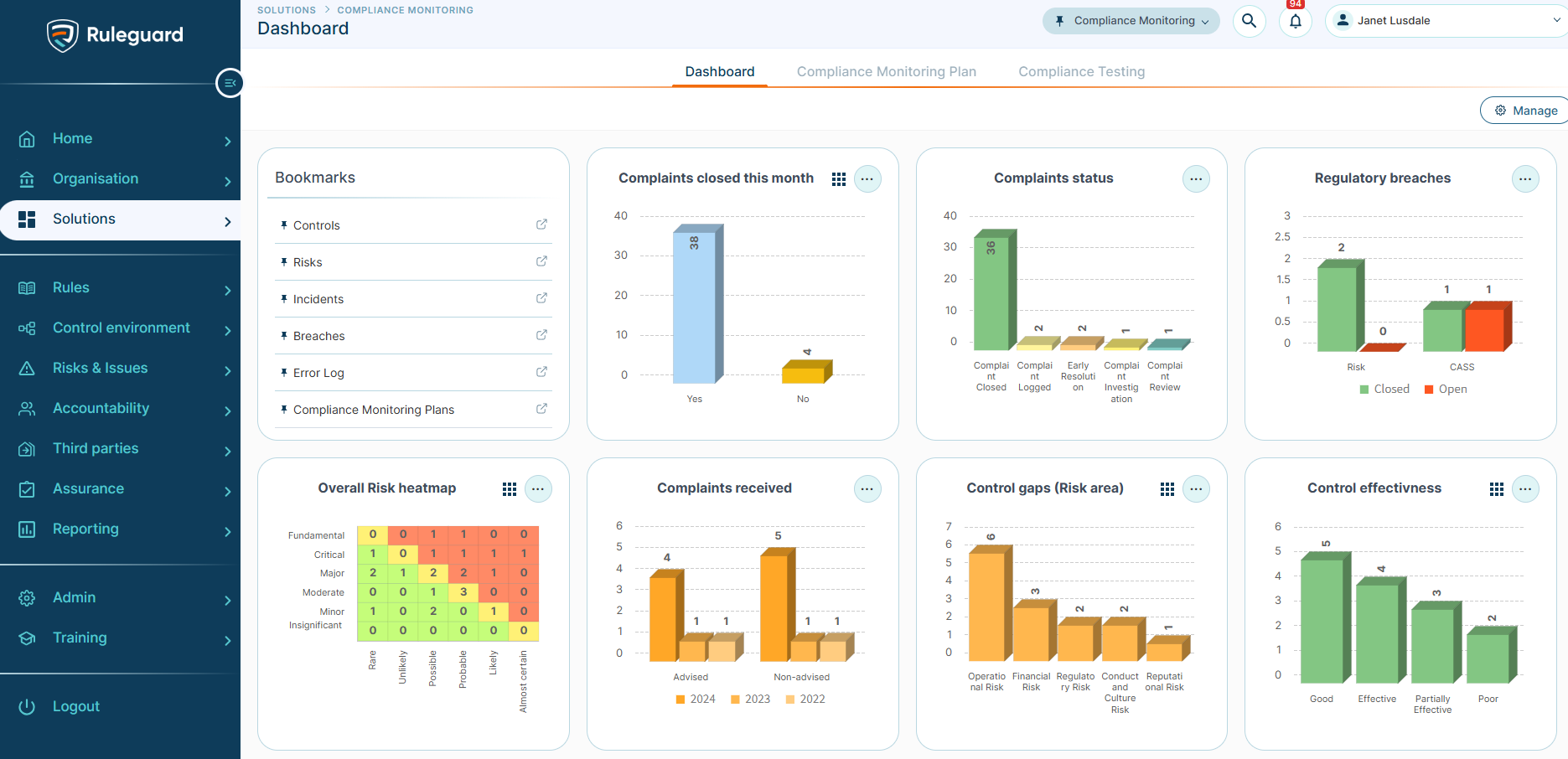
The card picker now lists your dashboards and reports on the left and shows the cards on the selected one on the right making it easier to find a card by remembering where you last saw it.
-
The search box matches dashboard, report and card names
-
Cards you pick stay selected while you move between dashboards, search or change tags.
-
-
A new Add card menu, with Select from existing and Create new, is on the dashboard toolbar, the report toolbar and the layout editor.
-
The layout editor no longer has a column of cards to drag from. It is now for arranging only, and it shows the layout as the dashboard will actually display it.
Compliance monitoring
-
The Launch stage workflow action can now launch Plan workflows and other stage workflow types, not only Issue and Solution workflows.
Improvements
-
Ruleguard stays responsive over long sessions
-
The Share window on dashboards and reports previously stayed in memory after being closed, so the browser tab could slow down until it was refreshed. Pop-up windows now free their memory when they close.
-
Fixes
-
When two pop-ups are open on top of each other, closing the lower one no longer clears what you typed in the upper one.
-
Counts in an MI chart table now apply the configured Days Late filters, and each count matches the drilldown behind it.
-
Exporting an MI report or drilldown table whose name contains a full stop now produces a valid .csv file.
-
An MI report that includes a column from a Multiple file upload field no longer fails with an error.
-
When a Regulatory Change Update has not been actioned and newer content arrives, the fresh update now shows both the earlier unactioned items and the latest ones as new (previously in rare circumstances, items from the replaced update could be lost.
-
Content the FCA publishes as evidential provisions now comes into Ruleguard with the Evidential Provision Requirement Type instead of Rule (was reported for CASS 7 provisions).
-
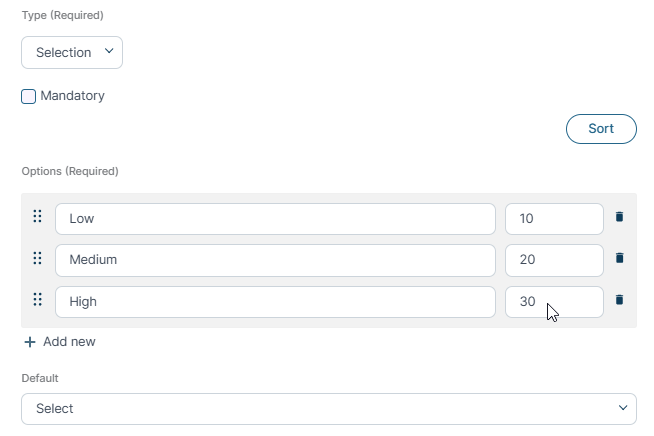
Selecting a value in certain selection fields no longer reloads the whole form.
In a Rush?
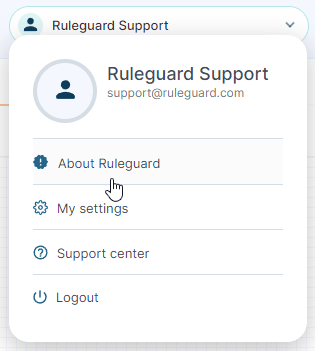
If you don't have time to read our blog posts right away, you can access all release notes at any time by clicking the release version number in the Ruleguard Welcome menu (top right).
If you encounter any problems or have any questions about this update, please let us know at support@ruleguard.com or contact your Customer Success Manager.
Ruleguard Team